 Freelancers
 Advertisers
 Churches
 Charities
 Free Plugin
 Free vs Pro
 Reviews
 Blog
Blog Guides


TL;DR
- Subscription management software handles the work that piles up after the first sale: renewals, failed payment retries, plan changes, cancellations, and reporting.
- For WooCommerce stores, the best option is usually a native plugin that keeps all subscriber and order data inside WordPress instead of a separate platform.
- WPSubscription is our top pick for most stores: it is easy to set up, has a free version, gives customers a self-service dashboard, and costs far less than the enterprise tools.
- WooCommerce Subscriptions is the safe enterprise choice, SUMO and YITH suit tighter budgets, and standalone platforms like Chargebee fit stores that have outgrown WordPress billing.
- Pick based on store size, payment gateway needs, how much you want customers to self-manage, and budget, not on feature lists alone.
Selling a subscription is the easy part. Managing it for months or years is where most stores struggle. A one-time sale ends at checkout. A subscription has to bill again next month, retry when a card fails, let the customer pause or switch plans, and stay accurate in your books the whole time. Do that by hand and it falls apart fast.
That is the job of subscription management software. In this guide we look at the best tools for running subscriptions on WooCommerce, what separates a good one from a frustrating one, and which fits different types of stores. We will also cover why the subscription model works, why WooCommerce is a sensible base for it, and the key terms worth knowing before you commit.
Why subscriptions?
A subscription turns a single purchase into a relationship. Instead of convincing a customer to buy once, you earn a smaller, repeated payment that adds up over time. For the customer, it removes the friction of reordering. For the business, it creates income you can actually predict.
That predictability is the real draw. When you know roughly how many customers will pay next month, you can plan inventory, hiring, and ad spend with far less guessing. A store running on one-time sales starts every month at zero. A subscription store starts the month already knowing most of its revenue.
The model also tends to raise how much each customer is worth. A buyer who stays for a year is worth many times more than one who buys once and leaves, even at a lower monthly price. This is why so many businesses, from software to coffee to pet food, have moved at least part of their catalog to a recurring plan.
Why WooCommerce?
WooCommerce powers a large share of online stores because it is open, flexible, and built on WordPress. You own your store and your data. You are not renting space on a closed platform that can change its rules or fees overnight.
For subscriptions specifically, that ownership matters. Your customer list, payment history, and subscription records sit in your own database. You can extend the store with plugins, connect it to almost any tool, and avoid the per-transaction cuts that hosted platforms often take on top of payment processing fees.
WooCommerce on its own does not handle recurring billing. It is built for one-time orders. To sell subscriptions you add a plugin that teaches WooCommerce how to charge again on a schedule, manage the billing cycle, and keep each subscription up to date. The right plugin is what we are comparing here.
The benefits of adding subscriptions to your business
Before choosing a tool, it helps to be clear on what you are trying to gain. Subscriptions offer a few concrete advantages over one-time sales:
- Predictable revenue. Recurring income smooths out the peaks and valleys of one-off selling and makes forecasting realistic.
- Higher customer lifetime value. A subscriber who renews for months or years brings in far more than a single buyer. You can read more in our entry on customer lifetime value.
- Lower cost per sale over time. You pay to acquire a customer once, then earn from them repeatedly, which improves the return on your marketing.
- Stronger customer relationships. Regular contact through renewals, shipments, or content gives you more chances to deliver value and keep people happy.
- Easier planning. Knowing your renewal numbers helps you order stock, schedule staff, and set budgets with confidence.
None of this happens automatically. It depends on keeping churn low and renewals running smoothly, which is exactly what good management software is built to do. If you are new to selling on repeat, our guide on how to sell subscriptions online is a useful starting point.
Key terms worth knowing
Subscription billing has its own vocabulary. A few terms come up again and again when you compare tools, so it is worth knowing them. Each links to a fuller definition in our glossary.
- Recurring payment — an automatic charge taken on a set schedule, such as monthly or yearly.
- Subscription billing — the overall system of charging customers on a repeat basis and tracking those charges.
- Billing cycle — the period between charges, like 30 days or one year.
- Failed payment — a renewal that does not go through, usually from an expired or declined card.
- Dunning management — the process of retrying failed payments and emailing customers to fix them, which recovers revenue you would otherwise lose.
- Proration — adjusting the charge when a customer changes plans partway through a cycle.
- Churn rate — the percentage of subscribers who cancel in a given period. Lower is better.
- MRR — monthly recurring revenue, the total predictable income you collect each month.
- Free trial — a period where customers use the product before paying, used to lift sign-ups.
These concepts decide how much a tool actually helps you. A plugin that retries failed payments and sends dunning emails, for example, will quietly save you money every month that a simpler one will not.
What to look for in subscription management software
Feature lists can be long, but a few things separate a tool you will be glad you chose from one you will fight with later. When you compare options, weigh these:
- Data ownership. Native WooCommerce plugins keep subscriptions inside your store. Some platforms move billing to their own cloud, which can mean less control and another bill.
- Renewal handling. Look for automatic renewals, retry logic for failed payments, and clear renewal reminder emails.
- Plan flexibility. Support for free trials, sign-up fees, variable plans, and upgrades or downgrades with proration gives you room to grow.
- Customer self-service. A dashboard where customers can pause, switch, or cancel on their own cuts your support load and reduces frustration.
- Payment gateways. Confirm the tool supports the gateways you use. Most cover Stripe and PayPal; fewer go further.
- Reporting. You want to see active subscriptions, MRR, renewals, and cancellations without exporting spreadsheets.
- Total cost. Compare yearly license fees, add-on costs, and any revenue-based charges, not just the headline price.
With that lens in place, here is how the main options stack up.
Comparison table
| Software | Best for | Type | Pricing (approx.) | Payment gateways | Standout management feature |
|---|---|---|---|---|---|
| WPSubscription | Most WooCommerce stores | Native plugin | Free; paid from ~$89/year | Stripe, PayPal, Paddle | Customer self-service dashboard and split payments |
| WooCommerce Subscriptions | Enterprise and high-volume stores | Native plugin | From ~$279/year | 25+ gateways | Deep WooCommerce integration and renewal sync |
| SUMO Subscriptions | Budget-conscious stores | Native plugin | ~$49 one-time | Stripe, PayPal | Many billing options at a low one-time cost |
| YITH WooCommerce Subscription | YITH ecosystem users | Native plugin | Free; paid from ~€199.99/year | Stripe, PayPal | Works smoothly with other YITH tools |
| Subscriptions for WooCommerce (WebToffee) | Small and new stores | Native plugin | Free; paid from ~$99/year | Stripe, PayPal | Solid free tier for basic recurring billing |
| SureCart | Stores wanting a hosted checkout | Hybrid (cloud) | Free; paid from ~$19/month | Stripe, PayPal, Mollie | Fast hosted checkout with built-in recovery |
| Chargebee | Stores that outgrew WordPress billing | External platform | Free tier; revenue-based | Many global gateways | Advanced dunning and finance reporting |
Pricing changes over time, so treat these as a guide and check the current figures before you buy.
The software, reviewed
WPSubscription
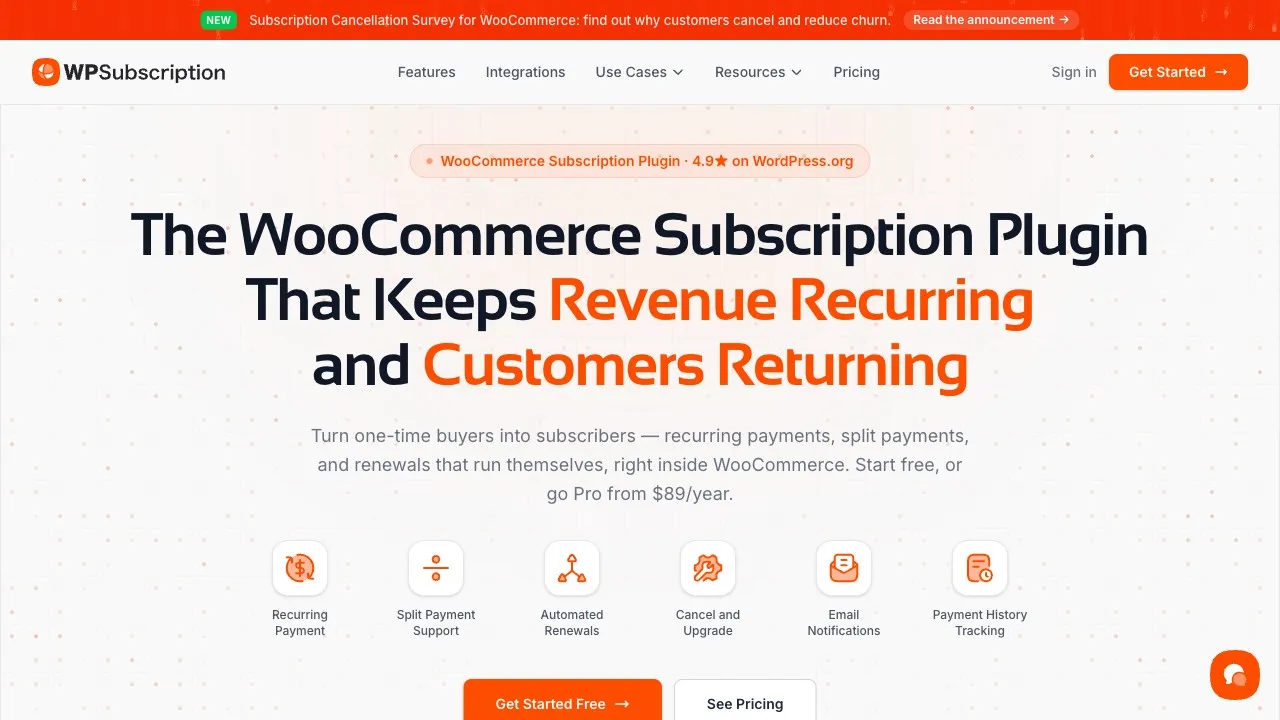
WPSubscription is built to make recurring billing simple for any WooCommerce store, whether you are just starting or already scaling. It runs natively inside WordPress, so your subscriptions, customers, and orders all stay in one place.
Setup does not require code. You can create simple or variable subscription products, set daily, weekly, monthly, or yearly cycles, and add free trials or sign-up fees in a few clicks. Renewals can run automatically or be left to the customer, and the plugin retries failed payments and sends reminder emails so fewer renewals slip through.
What makes it strong for management specifically is the customer self-service dashboard. Subscribers can upgrade, pause, or cancel from their own WooCommerce account, which cuts support tickets and gives people the control they expect. On the admin side, you get a clean view of active, on-hold, and expired subscriptions plus reports on revenue, sign-ups, and cancellations. It also supports split payments, delivery scheduling for physical boxes, and a REST API for custom workflows.
Key features
- Simple and variable subscription products
- Flexible billing intervals and free trials
- Automatic or manual renewals with retry logic
- Customer self-service dashboard for pause, switch, and cancel
- Reporting on revenue, renewals, and churn
- Stripe, PayPal, and Paddle support
Pros
- Easy for beginners, no coding needed
- Free version on WordPress.org
- Affordable pricing compared with enterprise tools
- Keeps all data inside WooCommerce
Cons
- Advanced content gating needs an extra plugin
- A few features are reserved for higher plans
Price: Free; paid from around $89/year. See WPSubscription or the WordPress.org listing.
WooCommerce Subscriptions
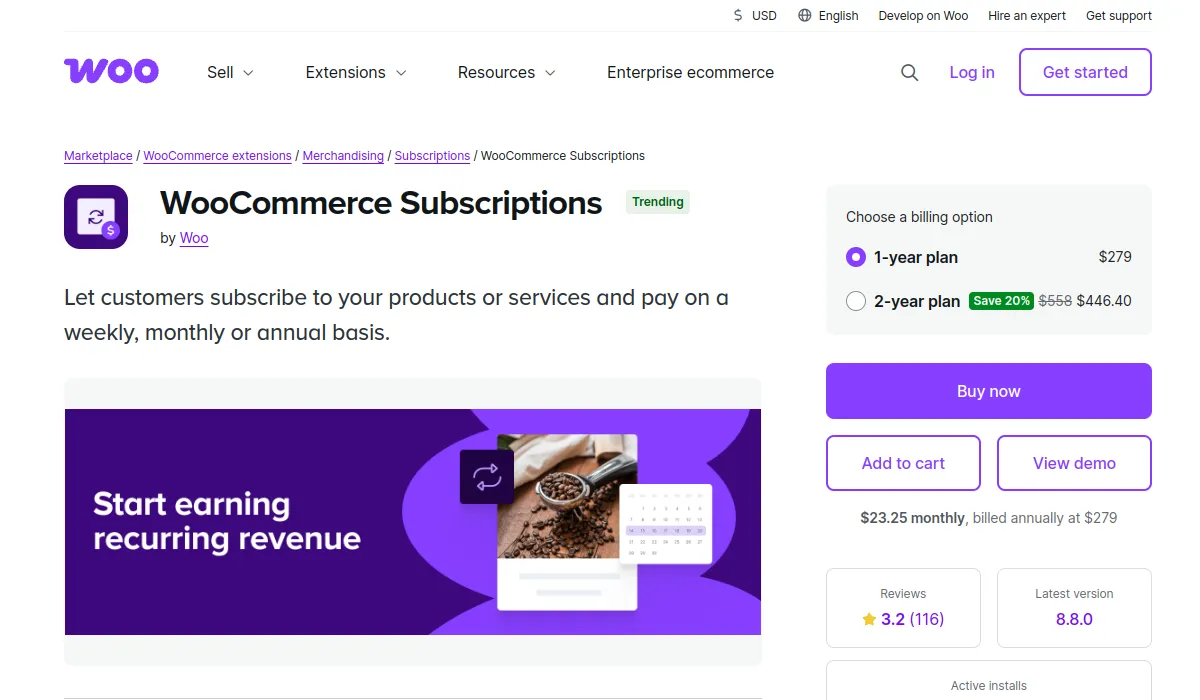
WooCommerce Subscriptions is the official recurring billing extension from the WooCommerce team. It is the most established option and integrates deeply with the core platform, which makes it a dependable choice for large or complex stores.
Its biggest advantage is gateway support: it works with more than 25 payment gateways, far more than most plugins. It also handles multiple billing schedules, variable subscriptions, gift subscriptions, and renewal synchronization. For an enterprise store with unusual requirements, that breadth is hard to match.
The trade-offs are cost and complexity. It carries the highest yearly price of the native plugins here, and the number of settings can overwhelm a first-time user. If you want a closer look at how it compares to a lighter alternative, see our breakdown of WPSubscription vs WooCommerce Subscriptions.
Key features
- Support for 25+ payment gateways
- Multiple billing schedules
- Variable subscriptions and free trials
- Gift subscriptions and renewal sync
- Detailed reports
Pros
- Built and maintained by WooCommerce
- Very stable and flexible
- Strong fit for enterprise stores
Cons
- Highest price among native plugins
- Steeper learning curve for beginners
Price: From around $279/year.
SUMO Subscriptions
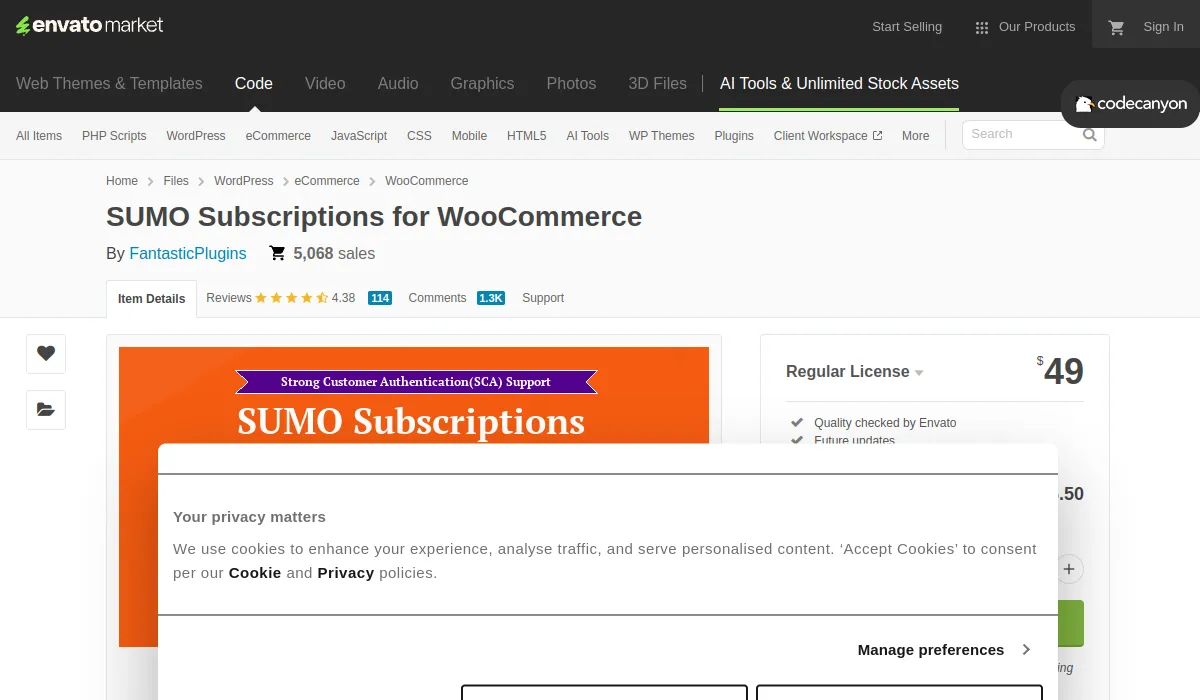
SUMO Subscriptions is a budget-friendly plugin sold on CodeCanyon with a one-time price, which appeals to stores that would rather avoid yearly fees. Despite the low cost, it packs in a wide range of billing options.
It handles manual and automatic renewals, free or paid trials, multi-currency, and bulk updates. For a store owner who wants control and does not mind a slightly dated interface, it offers a lot for the money.
Key features
- Manual and automatic renewals
- Free and paid trials
- Multi-currency and bulk updates
- Stripe and PayPal support
Pros
- Low one-time cost
- Many billing options
- Useful transaction logs
Cons
- Interface feels dated
- Some features sit behind upgrades
Price: Around $49 one-time.
YITH WooCommerce Subscription
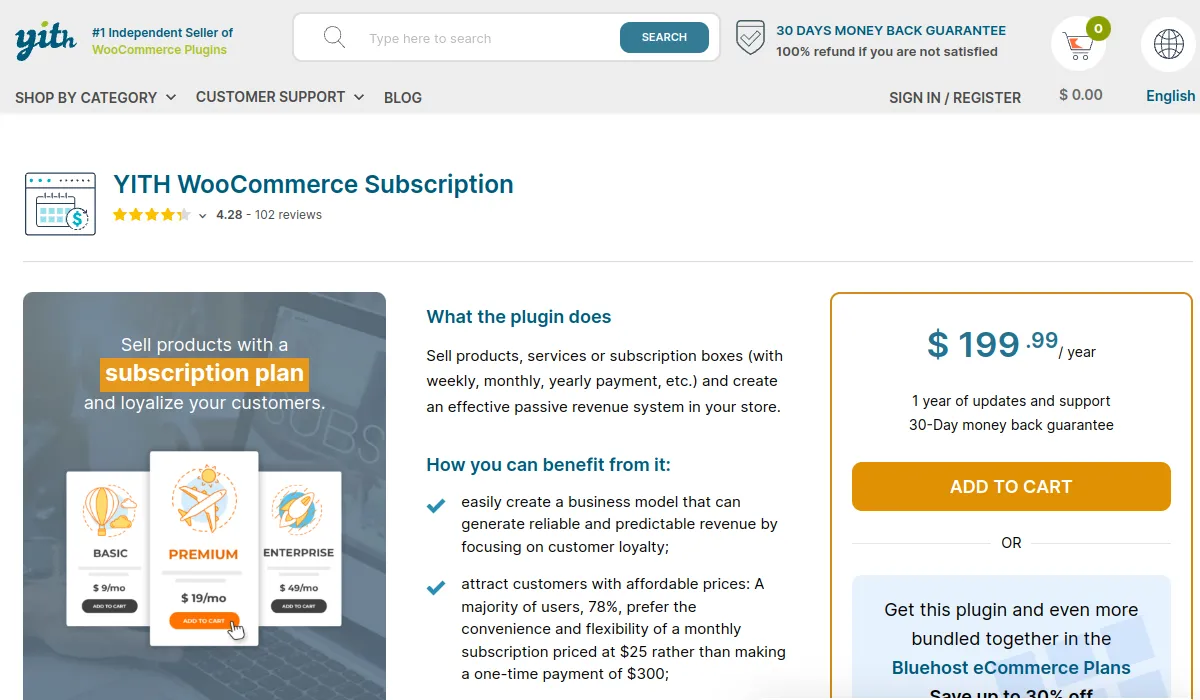
YITH WooCommerce Subscription is a reliable option that works for both digital and physical products. It is most attractive if you already run other YITH plugins, since it fits neatly into that suite.
It supports manual and automatic renewals, has free and premium versions, includes an advanced coupon system, and offers an analytics dashboard. For small to mid-sized stores already in the YITH world, it is a comfortable choice.
Key features
- Manual and automatic renewals
- Free and premium versions
- Advanced coupon system
- Analytics dashboard
Pros
- Reasonable pricing
- Integrates with other YITH plugins
- Simple for small to mid-sized stores
Cons
- Some features need paid add-ons
- Support can be slower at times
Price: Free; paid from around €199.99/year.
Subscriptions for WooCommerce (WebToffee)
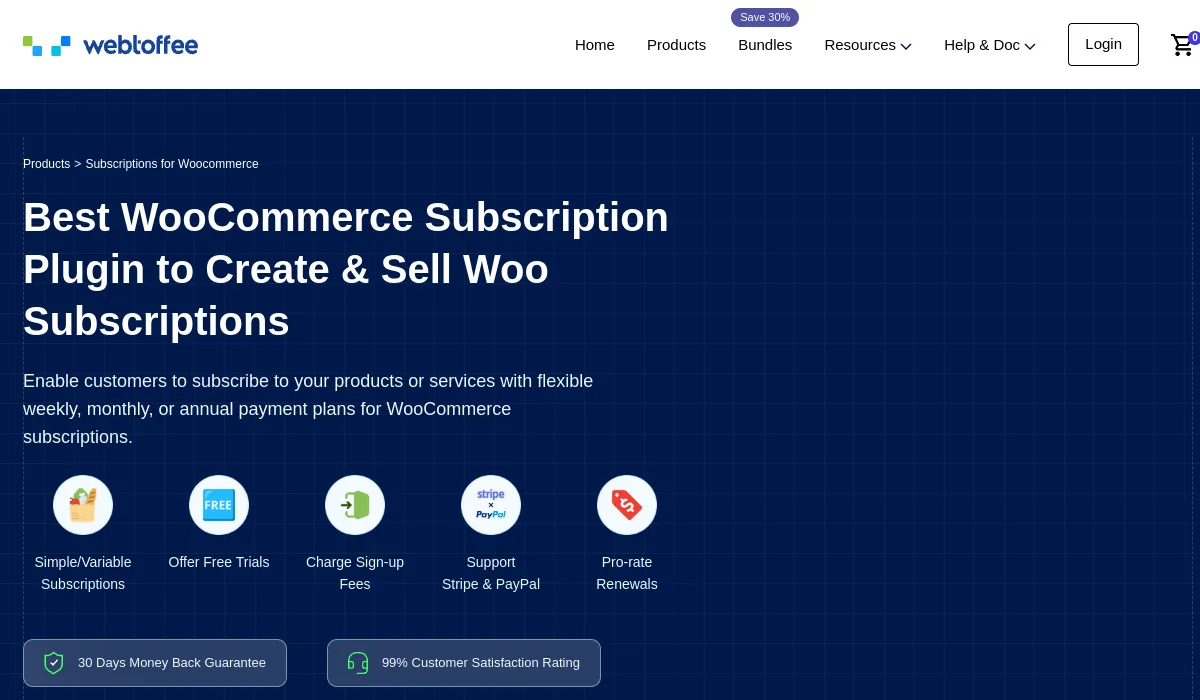
Subscriptions for WooCommerce by WebToffee is a good starting point for new stores that want to test recurring products without spending much. The core plugin is free and covers the basics of recurring payments.
It offers flexible billing intervals, automatic renewals, basic reporting, and works with PayPal and Stripe. As your needs grow, the Pro version and add-ons fill in more advanced tools.
Key features
- Flexible billing intervals
- Automatic renewal options
- Basic reporting
- PayPal and Stripe support
Pros
- Free version available
- Easy to install and use
- Covers core needs
Cons
- Limited customization in the free tier
- Advanced tools require paid add-ons
Price: Free; paid from around $99/year.
SureCart

SureCart takes a different approach. Rather than storing everything in WooCommerce, it runs a hosted checkout and keeps billing data in its own cloud, while still living inside your WordPress dashboard. That gives you a fast, modern checkout and built-in revenue recovery without heavy setup.
The hybrid model is the thing to weigh. You gain speed and a polished buying experience, but your billing data sits with SureCart rather than fully in your own store. For some owners that is a fair trade; for others, keeping everything native is the priority.
Key features
- Hosted, fast-loading checkout
- Subscriptions, trials, and one-time products
- Built-in failed payment recovery
- Stripe, PayPal, and Mollie support
Pros
- Modern checkout experience
- Quick to set up
- Generous free tier
Cons
- Billing data lives in SureCart’s cloud
- Less native than a pure WooCommerce plugin
Price: Free; paid plans from around $19/month.
What about standalone billing platforms?
Some stores grow past what a plugin comfortably handles, with complex pricing, global tax rules, or finance teams that need detailed reporting. At that point, an external subscription billing platform that connects to WooCommerce can make sense.
Chargebee and Recurly are the best known. They offer advanced dunning management, revenue reporting, and support for many gateways and currencies. Pabbly Subscriptions is a lighter, lower-cost alternative. Stripe Billing can also run subscriptions directly through Stripe.
The trade-off is the same in every case: these tools pull billing out of WooCommerce and into a separate system. You gain power and reporting depth, but you add cost, complexity, and another place where your customer data lives. For most small and mid-sized WooCommerce stores, a native plugin does the job at a fraction of the price. Reach for a platform only when you have clearly outgrown the plugin route.
Which one should you choose?
There is no single best tool, only the best fit for your store.
- Most WooCommerce stores should start with WPSubscription. It is easy, affordable, keeps data native, and gives customers the self-service control that keeps churn down.
- Enterprise or high-volume stores that need unusual gateways or deep customization will be well served by WooCommerce Subscriptions, as long as the price and complexity are acceptable.
- Budget-first stores can look at SUMO Subscriptions for its one-time cost, or YITH if they already use that ecosystem.
- New stores testing the waters can begin free with Subscriptions for WooCommerce and upgrade later.
- Stores that have outgrown WordPress billing should evaluate a platform like Chargebee.
Whatever you pick, the goal is the same: charge reliably, recover failed payments, let customers manage their own plans, and keep churn low. Once those run smoothly, recurring revenue compounds on its own. For more on the operations side, see our guide to managing subscriptions in WooCommerce and our tips on reducing subscription churn.
Frequently asked questions
What is subscription management software?
It is the system that runs your recurring billing after the first sale. It charges customers on a schedule, retries failed payments, handles upgrades, downgrades, pauses, and cancellations, and reports on revenue and churn. On WooCommerce, this is usually a plugin added to your store.
Does WooCommerce have built-in subscription management?
No. WooCommerce is built for one-time orders. To sell and manage subscriptions you need to add a plugin such as WPSubscription or WooCommerce Subscriptions, which adds recurring billing on top of the core platform.
What is the difference between a subscription plugin and a billing platform?
A plugin runs inside WooCommerce and keeps all data in your store. A billing platform like Chargebee is a separate hosted service that connects to your store. Plugins are simpler and cheaper and suit most stores; platforms offer more advanced reporting and scale but add cost and move data outside WordPress.
Can customers manage their own subscriptions?
With the right tool, yes. WPSubscription, for example, gives each customer a dashboard in their WooCommerce account where they can pause, switch, or cancel a plan. Self-service like this lowers your support workload and reduces frustration.
How do I stop losing money to failed payments?
Choose software with retry logic and dunning emails. When a card is declined, the tool retries the charge on a schedule and prompts the customer to update their details, which recovers many payments that would otherwise become cancellations.
Which is the best subscription management software for WooCommerce?
For most stores, WPSubscription offers the best balance of ease, features, data ownership, and price. Larger stores with complex needs may prefer WooCommerce Subscriptions, and stores that have outgrown WordPress billing may move to a platform like Chargebee. The right answer depends on your store size, gateways, and budget.
Final thoughts
The subscription model rewards stores that manage it well. The first sale gets attention, but the renewals, recoveries, and plan changes that follow are where revenue is won or lost. Good subscription management software handles that quiet, repeated work so you do not have to.
For most WooCommerce owners, a native plugin is the right call, and WPSubscription gives you a complete, affordable system without pulling your data out of your own store. Start with the free version, see how it fits, and grow from there.


