Freelancers
 Advertisers
 Churches
 Charities
 Free Plugin
 Free vs Pro
 Reviews
 Blog
Blog Guides

Key takeaways
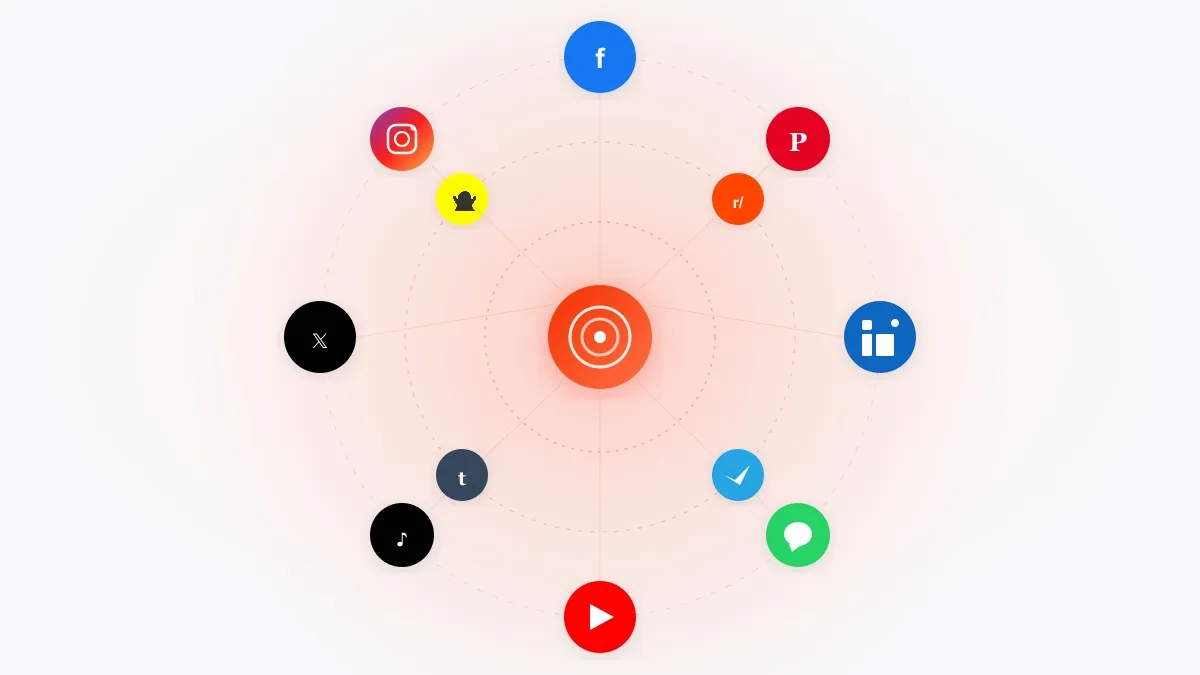
- WordPress social media plugins help connect your website with your social media accounts.
- Different plugins serve different purposes, including automation, social sharing, social feeds, customer communication, and social login.
- Bit Social is ideal for automating social media publishing and scheduling.
- Social Auto Poster helps you auto-publish content across multiple social platforms.
- Social Feed Gallery lets you display Instagram feeds on your website.
- Social Media Share Buttons & Social Sharing Icons help visitors share your content across social platforms.
- Smash Balloon Instagram Feed best for showing your Instagram content on-site.
- Nextend Social Login and Register simplifies user registration with one-click social login.
- The best plugin depends on what you want to achieve, so choose one that matches your website’s goals.
The average internet user actively uses nearly 7 social media platforms every month. Now think about what that means for website owners, bloggers, and businesses.
If your audience is spread across different social media channels, simply publishing content on your WordPress website is no longer enough. To reach more people and drive traffic, you also need to share your content consistently across multiple social channels.
If you are a WordPress user, a WordPress social media plugin can help you solve this problem.
But with so many WordPress social media plugins available today, choosing the right one isn’t always easy. Different social media plugins serve different purposes, and each category is built to solve a specific social media need.
In this guide, we’ll compare some of the best social media plugins for WordPress in 2026, including tools for automation, social sharing, social feeds, messaging, and social login, so you can find the right fit for your website.
What is a WordPress Social Media Plugin
If you have a WordPress website and social media accounts, you’re probably managing two important parts of your online presence. A WordPress social media plugin helps bring them together.
Instead of manually sharing every blog post or switching back and forth between different platforms, these plugins help your website connect with social media channels like Facebook, Instagram, LinkedIn, X (Twitter), Pinterest, and more.
The exact features actually depend on the plugin. Some can automatically share your content on social media, while others add social sharing buttons, display social feeds, or help visitors engage with your content more easily.
Types of WordPress Social Media Plugins
When people search for a WordPress social media plugin, they often assume all plugins do the same thing. In reality, there are different categories of social media plugins, and each one serves a different purpose.
Social Media Feed Plugins
Want to show your latest Instagram photos or Facebook posts on your website? That’s exactly what social media feed plugins do. They automatically pull content from your social media accounts and display it on your website, helping visitors see your latest updates without leaving your site.
Social Media Share Plugins
These plugins make it easy for visitors to share your content with their friends and followers. Adding social sharing buttons to your posts and pages encourages more shares, which can help bring additional traffic to your website.
Social Media Auto Posting and Scheduler Plugins
If you’re tired of manually sharing every blog post on social media, these plugins can save you a lot of time. They automatically publish your content to connected social media accounts and often let you schedule posts in advance, helping you stay active across multiple platforms with less effort.
Best WordPress Social Media Plugins in 2026
To make your decision easier, we’ve selected some of the best WordPress social media plugins across different categories.
In the following sections, we’ll take a closer look at each plugin, exploring what it does, its key features, and the types of users it is best suited for. So let’s get started.
1. Bit Social
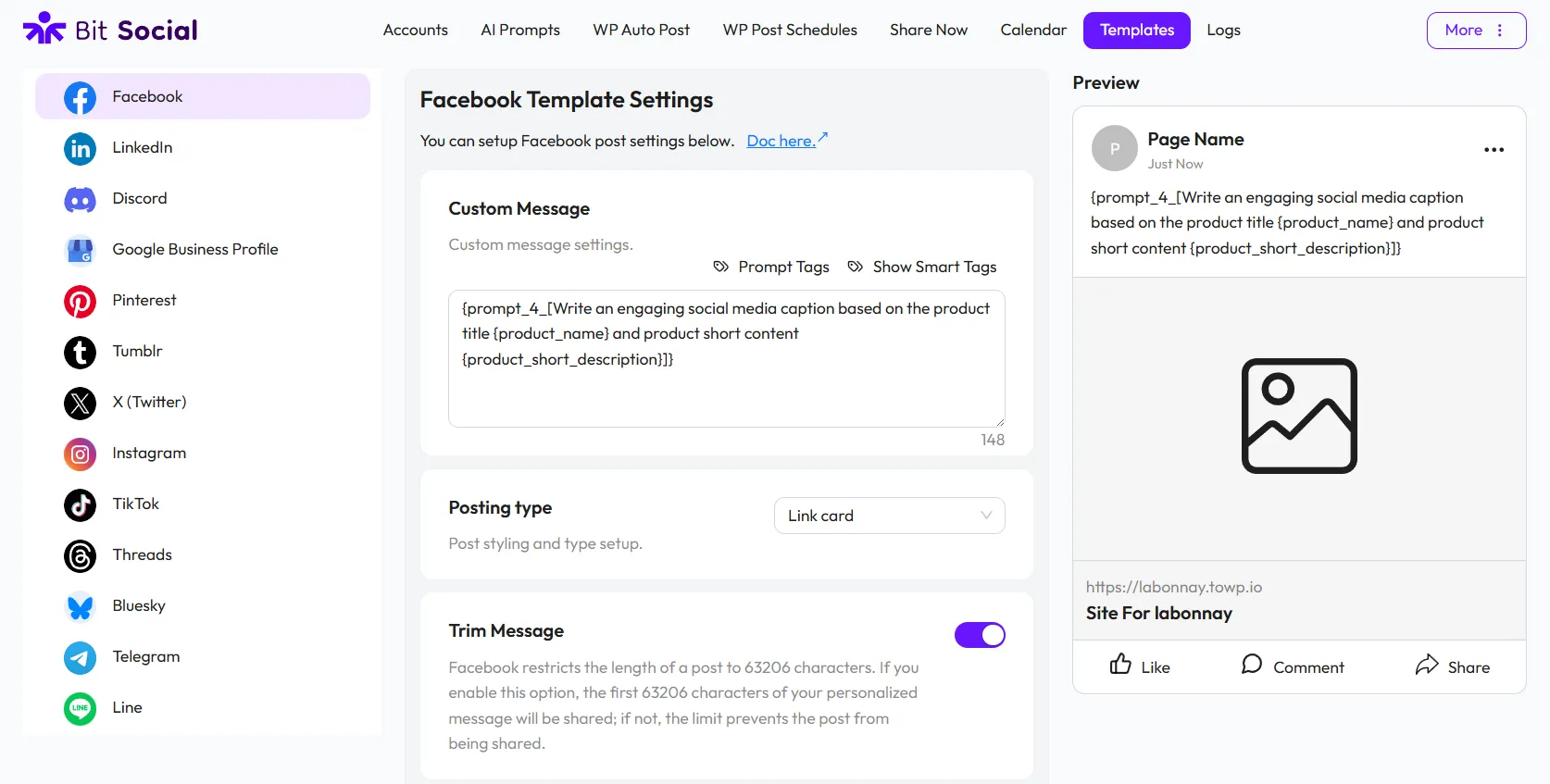
If you’re searching for the best social media automation plugin for WordPress, Bit Social is worth considering. It’s a WordPress social media automation plugin that helps you automatically publish and schedule content across multiple social platforms directly from your WordPress dashboard.
The biggest strength of Bit Social is its focus on real use cases. Beyond basic auto-posting, it also includes AI-powered content assistance, which can help generate or refine social media captions before publishing.
Another useful feature is the ability to create customized post templates for different social media platforms. The built-in content calendar also makes it easier to plan your social media strategy.
Compared to many alternatives, Bit Social also stands out for its affordability. It offers a comprehensive set of social media automation features, including scheduling, AI assistance, multi-platform publishing, and content planning at a price that’s more accessible for bloggers, small businesses, and agencies.
Key Features
- Automatic WordPress post sharing
- Scheduled social media publishing
- Support for 13 social platforms
- Visual content calendar
- Platform-specific post templates
- AI-powered content assistance
- Failed post email notifications
- Post activity and publishing logs
- One-click social account connections
- Custom app connection option
Best for
Bloggers, content marketers, agencies, ecommerce stores, and businesses are looking to automate and streamline their social media publishing workflow.
Pros
- Saves significant posting time
- Supports multiple platforms
- Easy content scheduling
- Platform-specific post templates
- Affordable compared to similar automation tools
- Easy to manage from the WordPress dashboard
Cons
- The free version supports only a limited number of social platforms
- One-click connections are easy, but custom app setup may take longer
2. Social Auto Poster
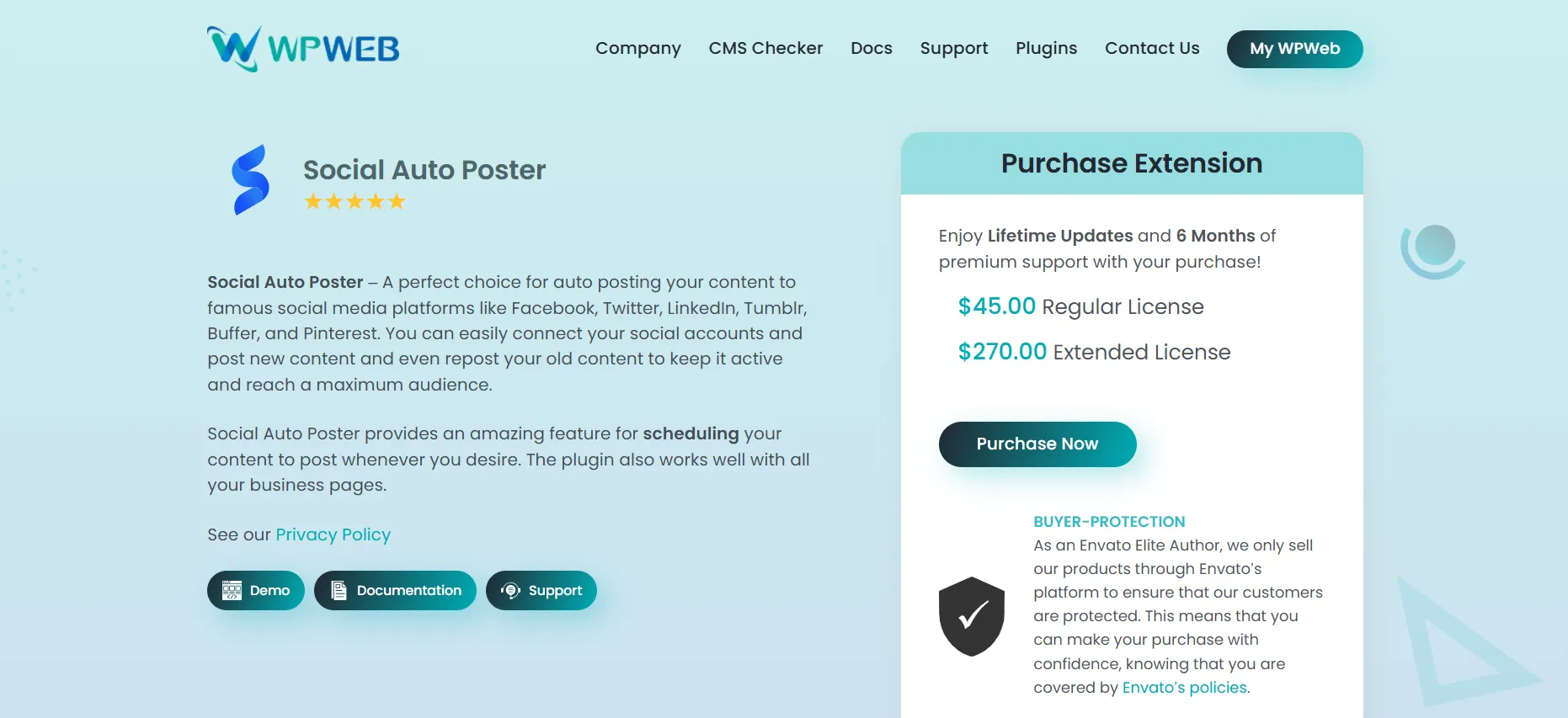
Social Auto Poster is a powerful WordPress social media automation plugin that helps you share content across multiple platforms without the need for manual posting. It simplifies your workflow by allowing you to auto-publish new and existing content, manage multiple social accounts, and keep your social channels active from one place.
This WordPress plugin is designed to reduce repetitive sharing tasks while giving you more control over how your content appears on each network. With support for custom post types, scheduling options, and flexible posting rules, Social Auto Poster helps streamline social distribution and makes content promotion much more efficient.
Instead of switching between platforms and posting content one by one, you can automate the process and focus more on creating content and growing your brand. Social Auto Poster gives you the flexibility to customize how and when posts are shared, making it a practical solution for efficient social media management.
Key Features
- Seamless WordPress auto-posting
- Publish WordPress posts automatically
- Unlimited connected social accounts
- Supports 11+ social networks
- Custom post type integration
- Category and tag-based sharing
- Scheduled social publishing
- Custom post message templates
Best For Bloggers, agencies, and businesses that want to automate social sharing and manage multiple accounts efficiently.
Pros
- Saves time on manual posting
- Works with popular networks
- Supports flexible post customization
- Handles multiple accounts easily
Cons
- Setup may take time
- Advanced options can feel complex
- Some networks need separate configuration
3. Social Feed Gallery
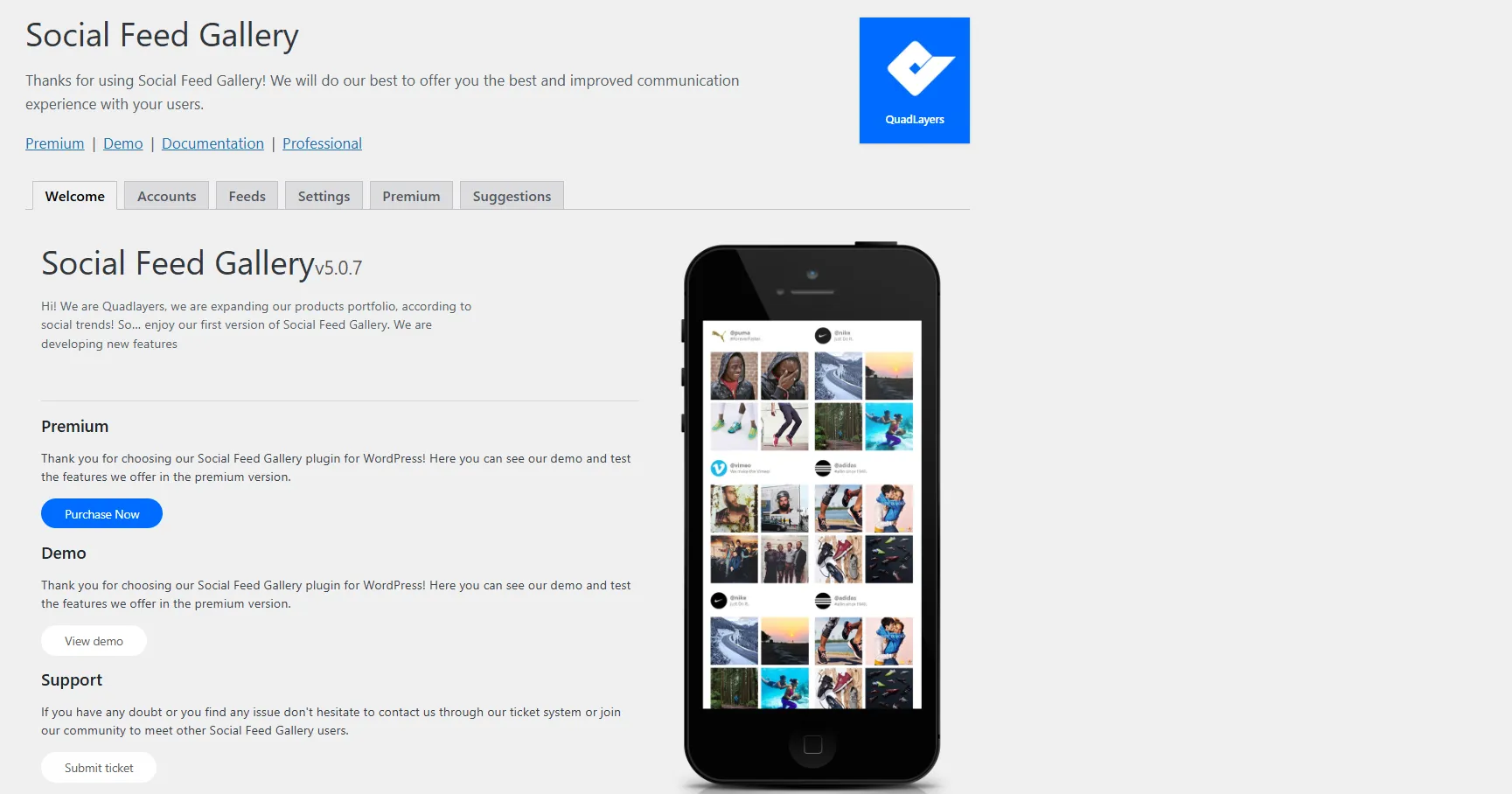
If Instagram plays a big role in your marketing strategy, Social Feed Gallery makes it easy to bring that content directly to your website. Instead of asking visitors to leave your site to visit your Instagram profile, you can display your latest posts, photos, and Reels in an attractive gallery or carousel layout.
The plugin also integrates with popular page builders like Elementor, so adding and customizing Instagram feeds doesn’t require any coding knowledge. Everything is designed to be simple and beginner-friendly.
What stands out most is how easy it is to get started. Whether you want to showcase your latest Instagram posts, create a dedicated social feed section, or add a carousel to a landing page, Social Feed Gallery makes the process straightforward while still offering enough customization options for most websites.
Key Features
- Instagram feed galleries
- Carousel layouts
- Instagram Reels support
- Tagged posts support
- Elementor integration
- Gutenberg block support
- Responsive design
- Feed customization options
Best For Content creators, influencers, brands, and businesses that use Instagram as a key marketing channel.
Pros
- Attractive visual feeds
- Responsive on all devices
- Works well with Elementor
Cons
- Limited beyond Instagram feed functionality
- No social media automation
4. Social Media Share Buttons & Social Sharing Icons
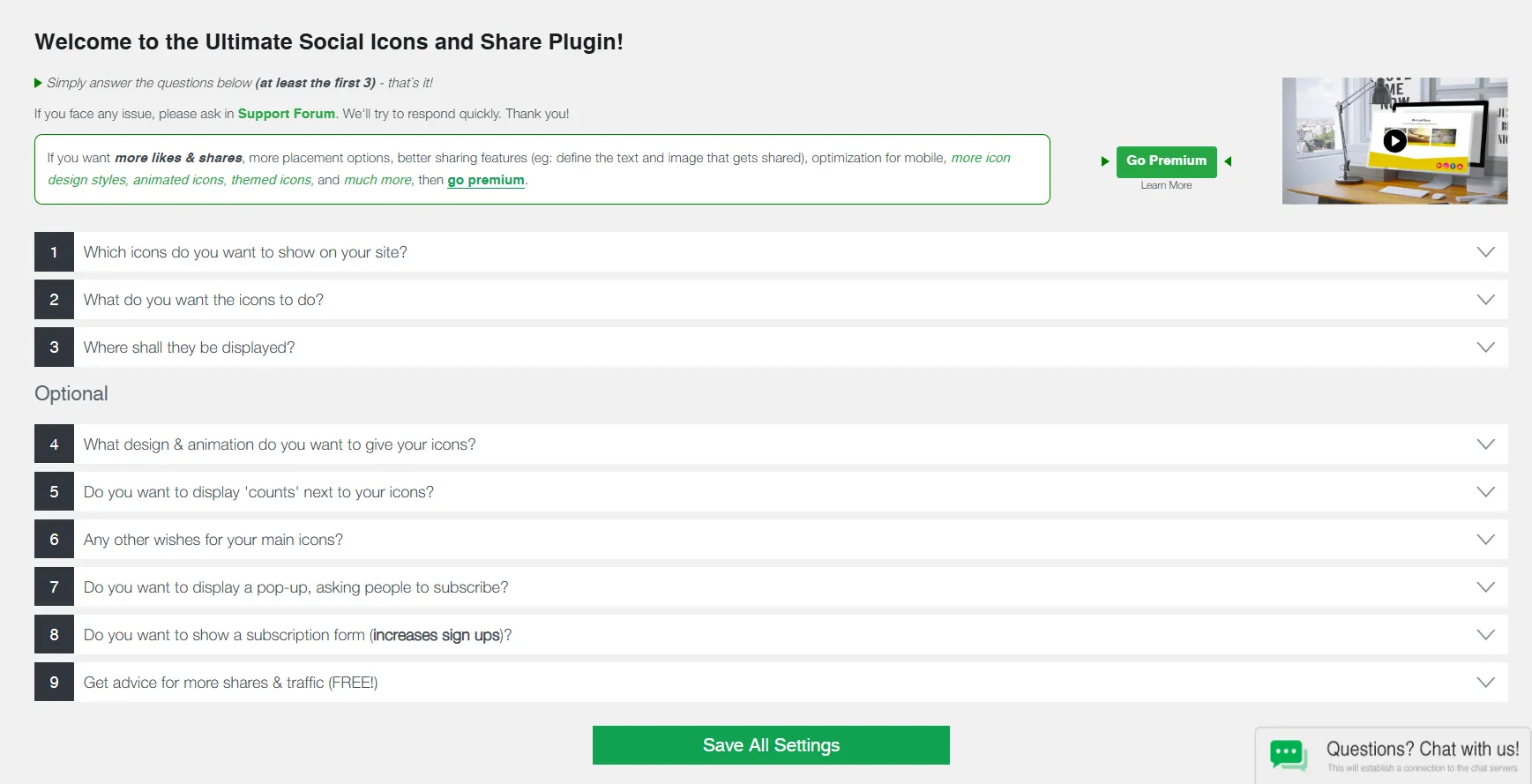
Getting traffic to your website is important, but encouraging visitors to share your content can help you reach an even wider audience. Social Media Share Buttons & Social Sharing Icons are designed to do exactly that.
The plugin adds social sharing and follow buttons to your website and makes it easier for visitors to share your blog posts and pages on their favorite social media platforms. It also offers a variety of icon styles, floating buttons, and placement options. You can choose how the buttons appear across your site.
For websites that publish content regularly, it’s a simple way to make content more shareable and improve social engagement without adding much complexity.
Key Features
- Social sharing buttons
- Social follow buttons
- Floating social icons
- Multiple icon styles and designs
- Custom button placement
- Share count support
Best For Bloggers, publishers, content creators, and businesses want to increase social shares and make their content easier to discover.
Pros
- Makes content easier to share across social media
- Flexible button styles and placement options
- Includes both share and follow buttons
- Beginner-friendly setup with no coding required
Cons
- No automation or post-scheduling
- No social media feed support
- Lots of settings for beginners
5. Smash Ballon Instagram Feed — Social Feeds
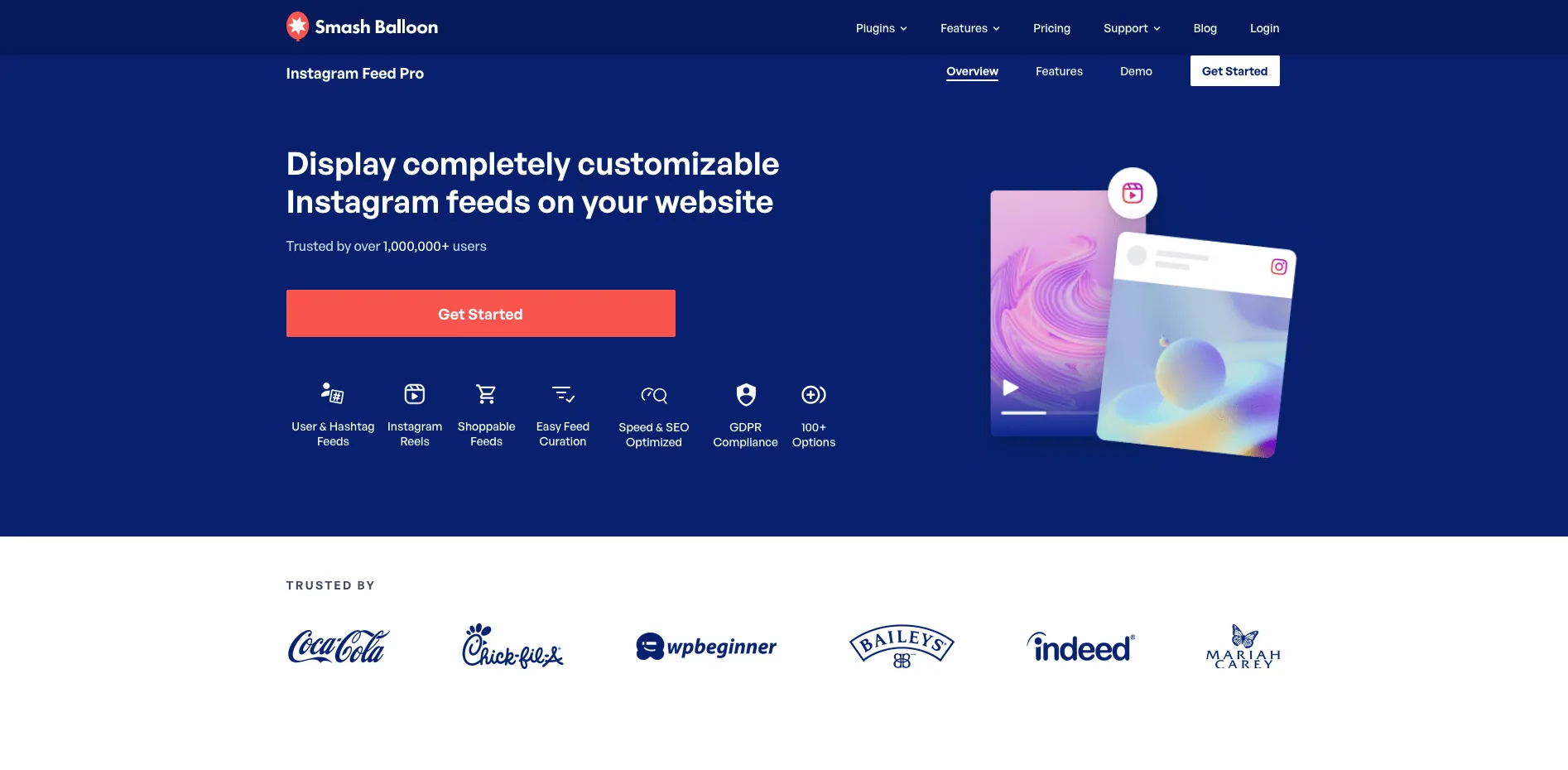
Smash Balloon’s Instagram Feed plugin allows users to display their Instagram posts and Reels and Stories on their website through Instagram which serves as their main marketing platform.
The plugin displays feeds through three different layout options which include grid and carousel and masonry styles and it automatically applies your theme’s design elements so you need to do very little manual adjustment.
The system contains a caching mechanism which enables feed display when Instagram experiences service interruptions and all images undergo local resizing and optimization instead of being obtained from Instagram’s CDN to enhance website speed.
Users can complete the setup process without programming knowledge because they need to link their account and select a pre-designed template before adding it to their website.
Key Features * User and hashtag feeds * Reels support * Stories in a lightbox popup * GDPR-compliant display mode * Elementor and Gutenberg support * Page-speed optimization * Developer hooks and custom templating * Shoppable feed links * Multiple feeds on one site * Visual moderation tools
Best For Creators, influencers, and brands that lean heavily on Instagram and want that content visible on-site. Pros * Highly customizable * Reliable even during Instagram outages * Fast-loading * No coding needed to get a polished result.
Cons * Focused specifically on social feeds — it won’t handle scheduling or auto-posting outbound content.
6. Nextend Social Login and Register
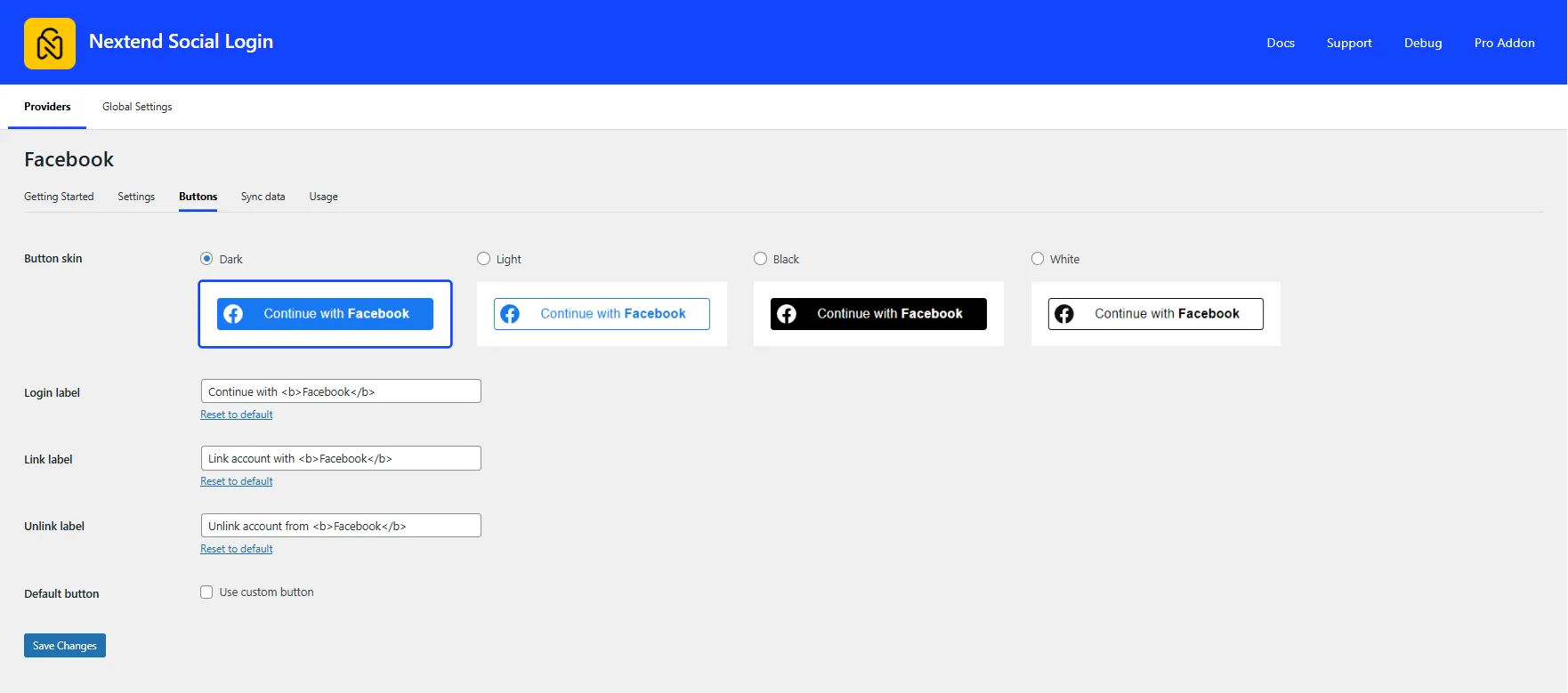
Long registration forms can discourage people from creating an account. Nextend Social Login and Register solves this by letting visitors sign up or log in with their existing social media accounts, such as Google, Facebook, and X, in just one click. It creates a faster, smoother login experience and removes the need to remember another username and password.
The plugin works seamlessly with the default WordPress login and registration pages, and existing users can link their social accounts to their WordPress profiles for future logins. It also offers customizable login buttons and redirect options, making it easy to match the login experience with your website. For WooCommerce stores and membership sites, the Pro version adds support for checkout and other popular plugins.
Key Features * One-click social login * Google, Facebook, and X login support * Social account linking * Custom login and registration redirects * Customizable login buttons * WordPress login integration * WooCommerce support (Pro) * Shortcodes and login widget
Best For
Membership websites, online communities, WooCommerce stores, and any website that wants to simplify user registration and login.
Pros * Makes registration and login faster * Reduces password-related friction * Easy to integrate with WordPress
Cons * Focused only on social login * Relies on third-party login providers and their API settings
How to Choose the Right WordPress Social Media Plugin
With so many WordPress social media plugins available, it’s easy to assume there’s one plugin that does everything. In reality, each plugin is built to solve a different problem.
So, how do you choose the right social sharing tool for WordPress or the best social media plugin for WordPress? The answer comes down to your goals.
Choose a Social Media Automation Plugin if You Want to Save Time
If you regularly publish blog posts and manually share them across Facebook, LinkedIn, X, Pinterest, and other platforms, an automation plugin is the better choice. The best social media automation plugin for WordPress should support multiple social networks, post scheduling, content calendars, AI-powered content assistance, and platform-specific post templates.
Bit Social checks all the boxes. It combines auto-posting, scheduling, AI-powered content assistance, customizable post templates, and a built-in content calendar in one dashboard. It’s also one of the most affordable options for bloggers, businesses, and agencies looking to automate their social media workflow.
Choose a Social Sharing Plugin if You Want More Shares
If your goal is to get more people sharing your content, a social sharing plugin is the right choice. It adds share buttons to your posts and pages and makes it easy for visitors to share your content across their favorite social media platforms with a single click.
Social Media Share Buttons & Social Sharing Icons is a solid option. It supports a wide range of social networks, offers customizable share and follow buttons, and gives you flexible placement options to help increase your content’s reach.
Choose a Social Feed Plugin if You Want to Showcase Your Social Content
If Instagram is an important part of your marketing strategy, a social feed plugin can help bring that content directly to your website. It automatically displays your latest Instagram posts and Reels, keeping your website fresh while encouraging visitors to explore your social media profiles.
Social Feed Gallery is a great option for this. It offers responsive gallery and carousel layouts, integrates with Elementor, and makes it easy to display and customize your Instagram feed without any coding.
Choose a Social Feed Plugin if You Want to Showcase Your Instagram Content
A social feed plugin lets you display Instagram content directly on your website when you use Instagram as your primary marketing tool instead of directing users to view content on other platforms.
The system automatically shows your most recent posts and Reels and Stories which keeps your website content updated while users can explore your Instagram profile more deeply through interactive content.
Smash Balloon Instagram Feed stands out as the best selection for this purpose. The platform provides three layout options which include grid and carousel and masonry displays while it automatically applies your theme design and its caching system maintains feed operation during Instagram service interruptions without any programming needs.
Choose a Social Login Plugin if You Want a Better Registration Experience
If your website requires users to create an account, a social login plugin can make the process much quicker and easier. Visitors can sign up or log in with their existing Google, Facebook, or X accounts, so they don’t have to create and remember another username and password.
Nextend Social Login and Register is a reliable option. It supports one-click social login, integrates seamlessly with WordPress, and helps create a faster, more convenient registration experience for your users.
Before choosing a WordPress social media plugin, think about the problem you’re trying to solve first. Once you know your goal, finding the right plugin becomes much easier.
Wrapping Up
The right WordPress social media plugin can make managing your website and social media much easier. The best choice depends on what you want to accomplish.
In this guide, we’ve covered the different types of WordPress social media plugins and reviewed some of the best options in 2026. From automating social media posts and adding share buttons to displaying social feeds, improving customer communication, and simplifying user login, each plugin is designed for a specific purpose.
Before you choose a plugin, think about your biggest need. Once you know your goal, finding the right WordPress social media plugin becomes much simpler.
Frequently Asked Questions (FAQs)
What is the best WordPress social media plugin?
There isn’t a single best plugin for every website. The right choice depends on what you’re trying to do. If you want to automate social media posting, Bit Social is a strong option. If you want more content shares, a social sharing plugin may be a better fit. Think about your goal first, then choose the plugin that helps you achieve it.
Can I automatically share WordPress posts on social media?
Yes, you can. A social media automation plugin lets you automatically publish your blog posts to platforms like Facebook, LinkedIn, X, and Pinterest. Plugins like Bit Social can do that, and they also let you schedule posts in advance, so you don’t have to share everything manually.
Do I need more than one WordPress social media plugin?
Sometimes, yes. Most plugins are built for a specific purpose. For example, you might use one plugin to automate social media posts, another to display your Instagram feed, and another to add social login or live chat to your website.
What features should I look for in a WordPress social media plugin?
That depends on your needs. If you want to save time, look for features like auto-posting, post scheduling, multi-platform publishing, and a content calendar. If your goal is to increase engagement, social sharing buttons, social feeds, messaging, or social login can be more useful.
Which WordPress social media plugin is best for small businesses?
Small businesses usually benefit from plugins that save time and make it easier to connect with customers. A social media automation plugin can keep your social accounts active, while communication and sharing plugins help you engage with your audience and grow your reach.
Will a social media plugin help increase website traffic?
It can. Sharing your content consistently, making it easy for visitors to share your posts, and displaying your latest social updates can all help you reach more people. While a plugin alone won’t guarantee more traffic, it can support your overall marketing strategy.