
Customers face challenges when they need to pay their entire purchase amount before receiving their products.
Customers who want to purchase expensive items, subscribe to yearly memberships, or obtain digital services need payment options that allow them to break their costs into smaller segments to complete their purchase.
The WooCommerce split payments system enables businesses to solve this particular problem.
The proper plugin allows customers to choose payment plans, and they can use different payment options for their orders, and the system will distribute income automatically to multiple vendors. The good news? You do not need custom code to make any of this happen.
This guide presents seven top WooCommerce split payments plugins, which include the most complete solution that exists in the market today.
What Are WooCommerce Split Payments?
WooCommerce split payments refer to any setup where a payment is divided. This could mean:
- A customer paying for one product in two or more installments
- An order amount is being split across multiple payment methods
- Revenue is automatically divided between the store owner and the vendor
The type of split payment plugin you need depends on your business model. If you run a subscription business, you need something different from a marketplace owner splitting vendor payouts.
Let us get into the list.
1. WPSubscription — Best for Subscription and Split Payment Combined
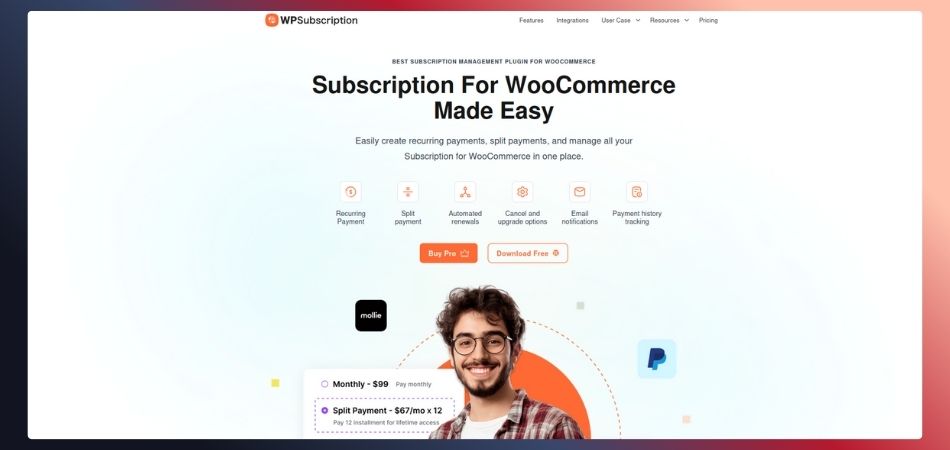
WPSubscription stands as your primary choice because it handles both recurring subscription management and WooCommerce payment distribution without any operational issues.
WPSubscription exists to assist WooCommerce store owners who want to offer subscription products with flexible payment schedules.
The WPSubscription system enables you to create customized payment schedules that enable customers to make their payments through different time frames and multiple payment transactions instead of requiring them to pay everything at once or follow a fixed monthly payment schedule.
The system functions as a flexible WooCommerce split payments solution, which stands among the best payment distribution options available today.
What makes it stand out:
The split payment feature in WPSubscription lets customers pay for a product over time using weekly, monthly, or fully custom intervals. You decide how the payment is split, how many installments are involved, and what gateways are used to collect the money.
Beyond split payments, WPSubscription also gives you automated renewals, free trial support, upgrade and downgrade options, payment history tracking, and full email notification flows. It supports Stripe, PayPal, Paddle, Mollie, and Razorpay out of the box.
Setup takes minutes, and there is zero coding required. It is beginner-friendly but powerful enough to handle multi-site businesses.
Pricing:
- Basic: $55/year (1 website)
- Standard: $99/year (5 websites)
- Pro: $219/year (50 websites)
- Lifetime deals are also available
Best for: WooCommerce store owners who want subscriptions and installment-based split payments in one lightweight plugin.
2. Split Pay for Stripe Connect on WooCommerce
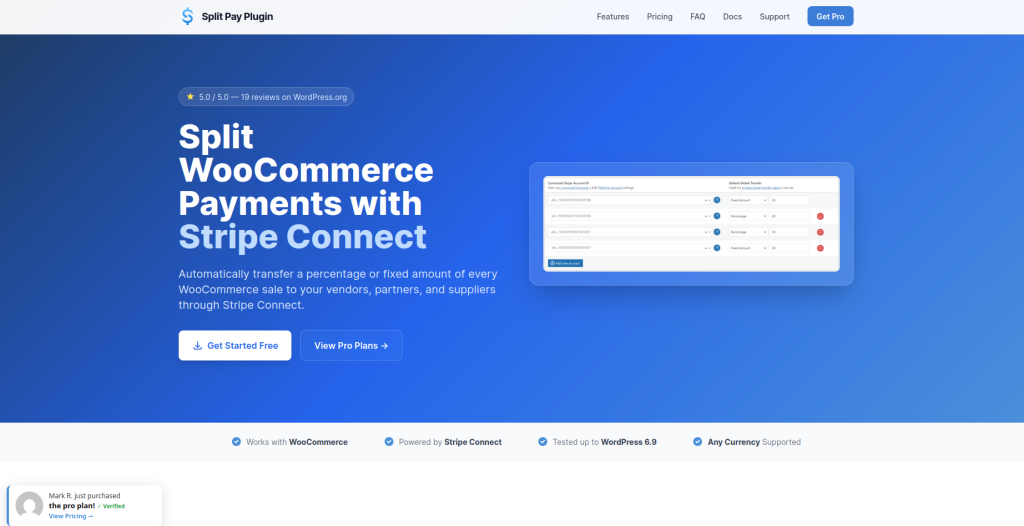
If your store runs on Stripe and you need to automatically transfer a portion of each sale to a connected account, this plugin is purpose-built for that.
Split Pay for Stripe Connect lets you split WooCommerce payments by sending a percentage or fixed dollar amount to another Stripe account the moment a checkout is completed.
It is ideal for marketplace owners, business partnerships, or anyone splitting revenue with a supplier or service provider.
Key features:
You can set transfer amounts globally or at the product level. For example, you might send 10% of Product A to one account and a flat $25 from Product B to another.
The free version supports one connected account, while the PRO version allows multiple account transfers.
It also works with WooCommerce Subscriptions, meaning every recurring payment triggers the same automatic transfer as the first transaction.
Pricing: Free version available. PRO starts at $79/year for a single site license.
Best for: Multi-vendor stores and business partnerships running Stripe, where vendor payouts need to be automated on every order.
3. Deposits and Partial Payments for WooCommerce (Plugin Republic)
This plugin gives customers a simple way to pay a deposit upfront and settle the remaining balance later. It is one of the cleanest WooCommerce split payments solutions for stores selling custom products, event bookings, or high-value items.
You set a deposit amount as either a fixed value or a percentage of the total order. The customer pays that portion at checkout.
They then pay the remaining balance before a due date you configure. You can even let customers break that remaining balance into multiple smaller payments if you want more flexibility.
Key features include:
Store-wide or product-level deposit settings, email reminders for balance payments, automatic installment processing via Stripe, compatibility with WPML and popular multilingual plugins, and full support for variable WooCommerce products.
Pricing: Free version on WordPress.org. Premium starts at an affordable one-time or annual price (check their site for current rates).
Best for: Stores with custom or high-ticket products where customers need a deposit option and a clear payment timeline.
4. Deposits and Partial Payments for WooCommerce (WordPress.org Free Plugin)
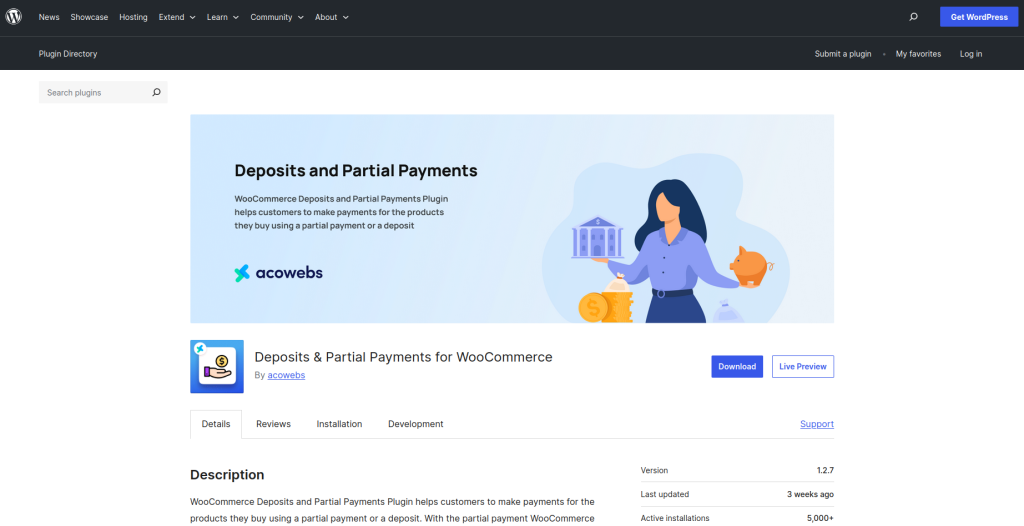
This free plugin has over 100 reviews and is one of the most downloaded WooCommerce split payments solutions in the repository.
It lets store owners enable partial payments at both the global and product level. Customers can choose to pay in full or pay a deposit at checkout, depending on how you configure it.
You can set deposits as a fixed amount or percentage and control which payment gateways are allowed during deposit checkout.
Customers pay the remaining balance through their account login. The premium version adds payment plans, automatic Stripe installment processing, user role restrictions, category-based deposits, and email reminders.
Key features:
Store-wide deposit toggle, product-level customization, guest user control, custom plugin labels and text, translation support, and a clean admin interface that does not require any technical background.
Pricing: Free on WordPress.org. Premium version available with advanced features.
Best for: Small stores just getting started with WooCommerce split payments who want a no-cost option with room to scale.
5. WooCommerce Split Order Payments (CodeCanyon by Crevol)
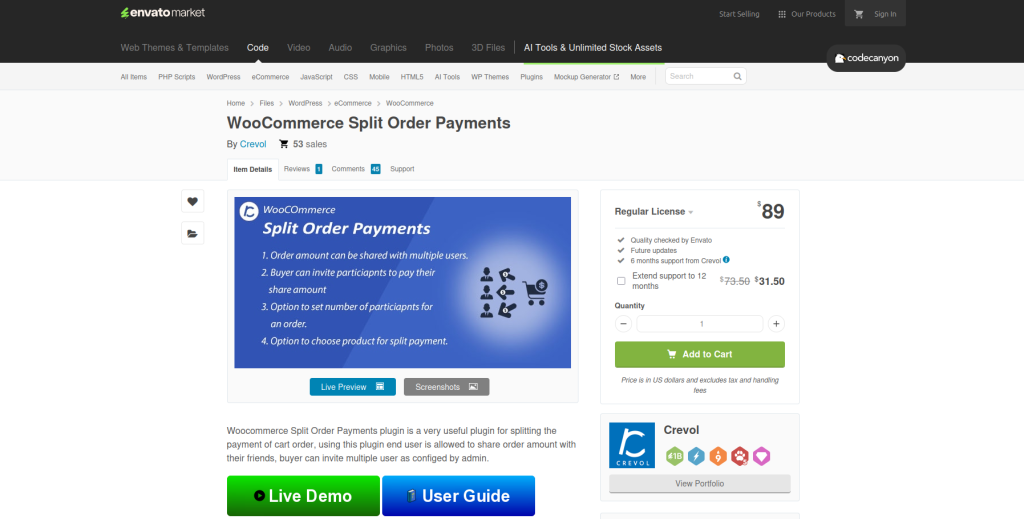
This is a different take on WooCommerce split payments. Instead of a customer paying in installments over time, this plugin lets customers invite friends or other people to share the cost of an order.
The buyer can split the cart total with multiple participants. The admin controls the maximum number of people allowed to participate in a split. It is a social payment model, somewhat similar to how group buying or shared expenses work in real life.
Key features:
Admin-defined participant limits, minimum order amount settings, buyer can invite multiple users to share the order amount, and full WooCommerce compatibility across modern WordPress versions.
Pricing: $89 one-time purchase on CodeCanyon.
Best for: Stores where group purchases or shared costs make sense, such as gift stores, group subscriptions, or event-based businesses.
6. WooCommerce Multi Vendor Stripe Connect (Webkul)

If you run a multi-vendor marketplace and need WooCommerce split payments that automatically distribute revenue to each seller, Webkul’s plugin handles this at scale.
This plugin works as an add-on to the WooCommerce Marketplace Plugin and allows the platform to automatically split each customer payment between the marketplace admin and the relevant sellers. It uses Stripe’s Direct Charges, Destination Charges, and Separate Transfers to handle the complexity of multi-vendor payments cleanly.
Key features:
Sellers connect their own Stripe accounts via Stripe Connect, the admin sets commission splits per vendor, and both the admin and sellers can process refunds independently. The plugin supports virtually all Stripe-supported currencies and includes test and live mode support.
Customers can also save payment methods in their My Account section, making repeat purchases even easier.
Pricing: Premium plugin. Check the Webkul store for current pricing.
Best for: Established multi-vendor marketplaces that need automated vendor payout splitting with full Stripe support.
7. PayPal for WooCommerce with Multi-Account Manager (AngellEYE)
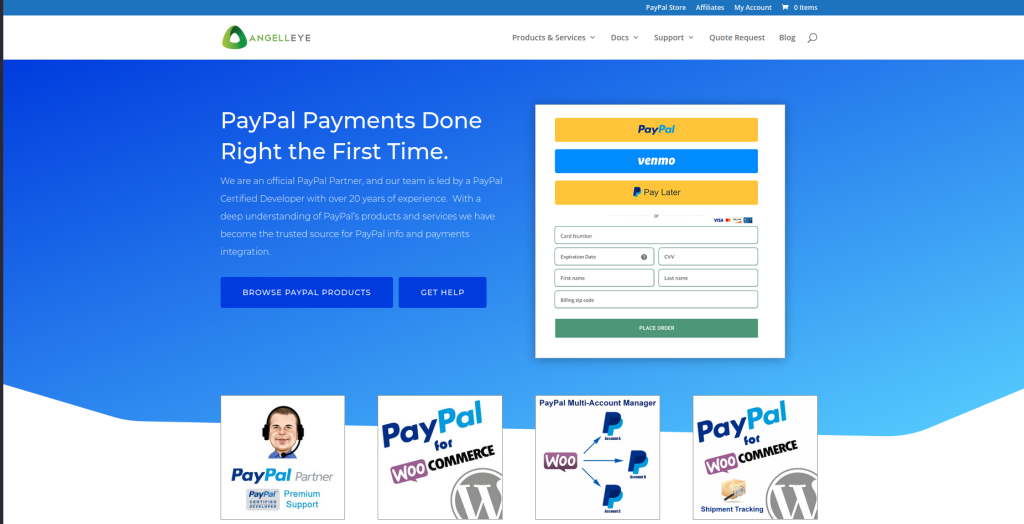
AngellEYE provides a solution that enables WooCommerce split payments to function through PayPal instead of Stripe for businesses that need PayPal as their payment method.
The PayPal for WooCommerce plugin provides free access to basic PayPal checkout functionality. The Multi-Account Manager add-on lets you create rules that will automatically distribute product payment money between different PayPal accounts.
You can create a system that routes all Author A product payments to a single PayPal account while Author B product sales get directed to another PayPal account.
The system activates rules during checkout, which produce individual transaction numbers that customers can view in WooCommerce for each payment portion.
Key features:
The system enables users to create rules that direct payments between various PayPal accounts, while it automatically distributes funds during checkout, tracks transactions separately within WooCommerce, and supports PayPal Express Checkout completely.
Pricing: The base plugin is free. The Multi-Account Manager add-on is paid. Contact AngellEYE for current pricing or a live consultation.
Best for: WooCommerce stores using PayPal that need to route payments to different accounts based on product or vendor rules.
How to Choose the Right WooCommerce Split Payments Plugin
With seven options on the table, here is a simple way to narrow it down:
If you sell subscriptions or any product where customers benefit from paying over time, start with WPSubscription. It handles both the subscription logic and the WooCommerce split payments in one place, without needing multiple plugins.
If you run a marketplace and need vendor payouts via Stripe, look at Split Pay for Stripe Connect or Webkul’s Multi Vendor solution. If your marketplace runs on PayPal, go with AngellEYE.
If you sell high-ticket or custom products and just need a clean deposit and balance option, Deposits and Partial Payments from Plugin Republic or the free WordPress.org version will do the job.
If group purchases or shared orders fit your business, the Crevol plugin on CodeCanyon is a fun and unique solution.
Final Thoughts
WooCommerce split payments removes one of the most common barriers to purchase: the upfront cost. When customers know they can break a payment into manageable pieces, they are far more likely to commit to the sale.
The right plugin depends entirely on your store type. But no matter which route you take, setting up WooCommerce split payments in 2026 is easier than ever. Most of these tools install in minutes and require zero code.
Start with what fits your business model today, and you will see the difference in your conversion rate almost immediately.