
Look, I’ve been building WordPress sites for years, and subscription models? They’re kind of my thing now.
But here’s what nobody tells you when you’re starting out: WordPress itself doesn’t do subscriptions. Like, at all. You need a plugin to make that happen.
I’ve tested pretty much every subscription plugin out there (some were disasters, honestly), and I wanted to save you the headache.
This isn’t one of those generic roundups where someone just copies feature lists. I actually used these plugins, broke things, fixed them, and figured out what works.
So grab your coffee, and let’s talk about the subscription plugins for WordPress that are actually worth your time in 2026.
Why Choose Subscription Plugins for WordPress
Here’s the thing about subscriptions. They changed my business completely. Instead of waking up every month thinking “okay, where’s my next sale coming from?” I actually know what’s coming in. That peace of mind? Priceless.
But you can’t just flip a switch in WordPress and start charging people monthly. The platform wasn’t built for that. You need a plugin to handle the payments, keep track of who’s paid and who hasn’t, and lock down your content so only paying members get in.
And honestly? Thank goodness for that. Because trying to manage subscriptions manually would be an absolute nightmare.
Imagine tracking hundreds of members in a spreadsheet, remembering to charge everyone, updating access levels… yeah, no thanks.
The right plugin handles all that boring stuff automatically. You set it up once, and it just runs. Members get charged on schedule, access gets updated, and you can actually focus on creating stuff people want instead of playing accountant.
Plus, subscriptions work for basically everything these days. Online courses? Check. Premium blog content? Yep. Software tools? Absolutely. Community access? For sure. Whatever you’re building, there’s a way to turn it into recurring revenue.
Top Subscription Plugins for WordPress
Alright, enough background. Let’s get into the actual plugins. I’m ranking these based on what I’d actually recommend to a friend, not what pays the highest commission (full transparency here).
1. WPSubscription
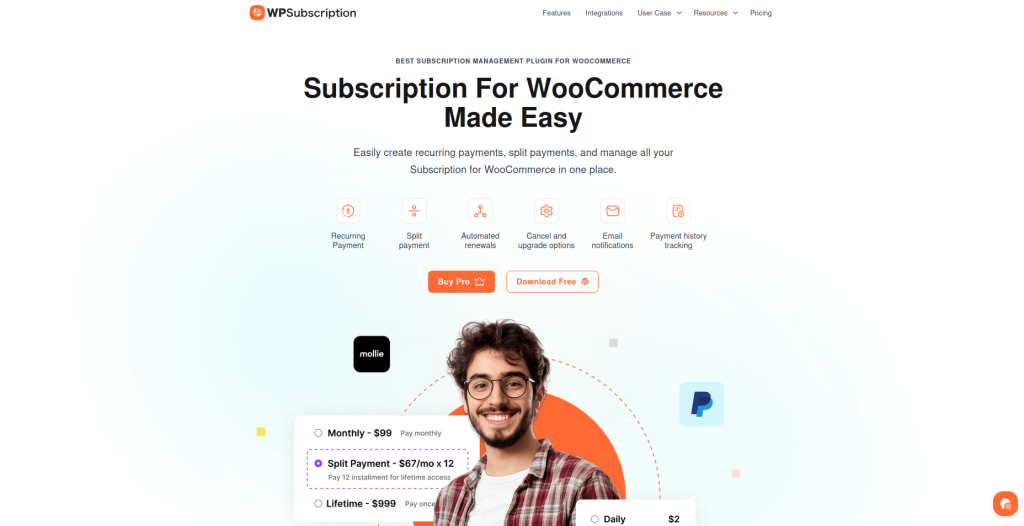
I’m putting WPSubscription at the top because it does something really rare these days—it actually makes sense. You know when you open software and just… get it? That’s WPSubscription.
I tested this on three different sites last year, and the setup was legitimately quick each time. No PhD required. You install it, connect your payment gateway, create your subscription plans, and you’re basically done.
The whole process took me maybe an hour on the first site, and that’s including time to customize the signup forms.
Features
- Unlimited subscription plans: Want five different membership levels? Twenty? Go nuts. There’s no artificial cap here.
- Multiple payment gateways: Works with Stripe, PayPal, and other major processors without making you jump through hoops.
- Advanced access control: You decide what each membership tier sees. Pages, posts, categories—whatever.
- Automatic billing management: Renewals happen automatically, failed payments get followed up on, and the subscription changes process smoothly.
Pros
- Setup is genuinely straightforward (my dad could probably do it, and he still uses Internet Explorer)
- Interface doesn’t feel like it was designed in 2003.
- The support team actually replies and helps instead of sending you to documentation.
- Updates come regularly, which means bugs get fixed, and features get added.
Cons
- It’s newer than some competitors, so there aren’t as many third-party integrations yet.
Pricing
Free version available. Premium starts at $79/year for one site. Goes up from there if you need multiple sites.
Best For
Anyone launching their first subscription site who doesn’t want to spend three weeks figuring out how everything works. Also great if you’re migrating away from something overly complicated.
Check it out: WPSubscription
2. MemberPress
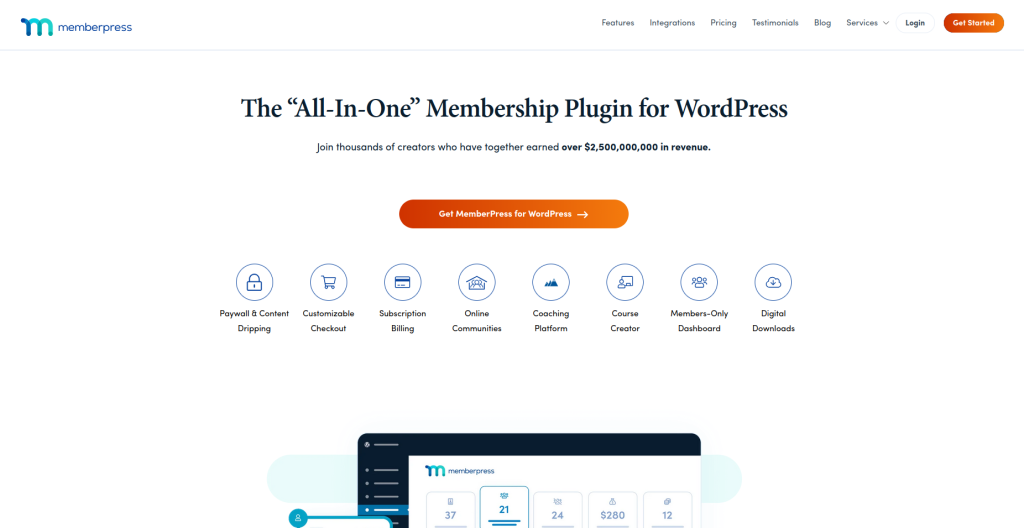
MemberPress has been around forever. Like, probably since before half the internet knew what subscriptions were. And you know what? It’s still here because it works.
I used MemberPress on a client site back in 2019, and it handled everything we threw at it. The client had complicated pricing (different tiers, corporate memberships, the works), and MemberPress just… dealt with it.
Features
- Flexible access rules: You can get ridiculously specific about who sees what. It’s almost overkill, but better than not having options
- Built-in course builder: Create drip content without installing another plugin. Content releases over time automatically
- Powerful integrations: Connects with pretty much everything, email tools, CRMs, you name it
- Member analytics: Dashboard shows you signups, revenue trends, and who’s engaging
Pros
- Proven track record. This plugin has processed millions in subscription revenue
- Documentation is thorough (maybe too thorough, but at least it’s there)
- Compatible with most themes without breaking your design
- Support is solid when you need help
Cons
- The interface looks a bit old. Works fine, just not pretty
- Price adds up quickly when you want all the bells and whistles
Pricing
Starts at $179.50/year for one site. More sites and features cost more.
Best For
Established businesses that need something battle-tested with tons of integration options already built.
3. Restrict Content Pro
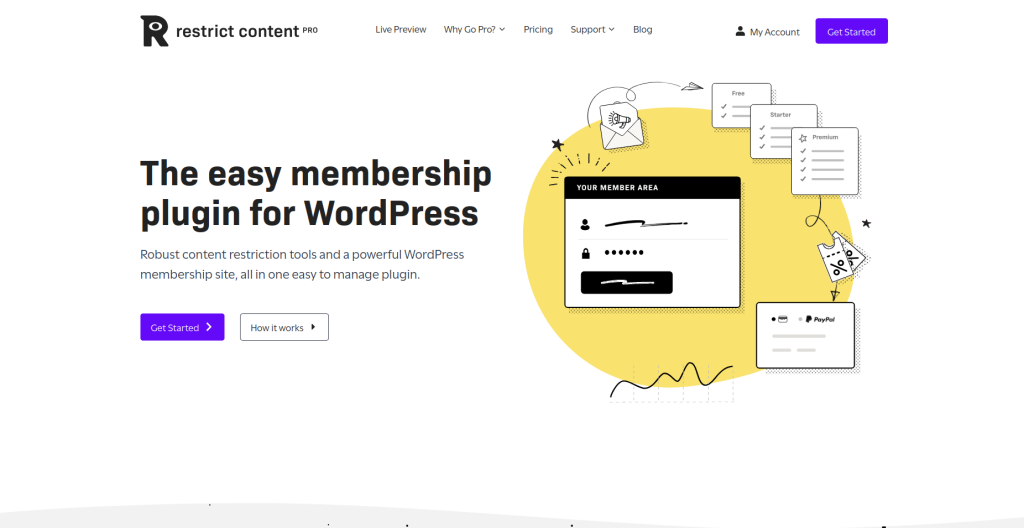
This one’s my recommendation for people who obsess over site speed. Restrict Content Pro is lean. Like, surprisingly lean for what it does.
I ran speed tests on a site before and after installing this, and the difference was barely noticeable. Compare that to some plugins that add half a second to your load time, and you’ll appreciate the difference.
Features
- Simple pricing setup: Creating subscription tiers takes minutes, not hours
- Content restriction tools: Hide whatever you want, pages, posts, custom content types
- Discount codes: Run promotions without needing another plugin for coupons
- Detailed reporting: See how your subscription business performs at a glance
Pros
- Doesn’t bloat your site with unnecessary code
- The interface is clean and logical
- Good value. You get a lot for the price
- Rock solid stability
Cons
- Fewer advanced features compared to enterprise options
- Payment gateway choices are limited in the basic version
Pricing
Starts at $99/year for one site. Higher tiers unlock more features.
Best For
Content creators and bloggers who want to monetize without sacrificing site performance.
4. Paid Memberships Pro
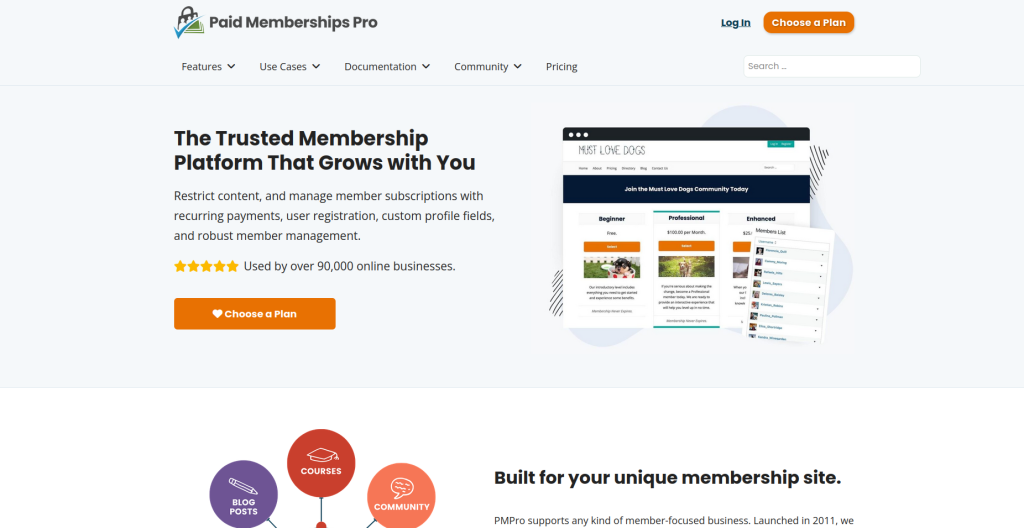
Here’s something different—Paid Memberships Pro gives you a legitimately useful free version. Like, you can actually run a subscription site on the free version without feeling crippled.
I tested this when I was broke and couldn’t afford any paid plugins. Built a whole membership site, got paying subscribers, and everything worked. Eventually upgraded for more features, but the free version got me started.
Features
- Free core plugin: Zero upfront cost to start your subscription business
- Modular add ons: Buy only what you need instead of paying for everything
- Member directory: Build community features without another plugin
- Gift subscriptions: Let people buy memberships for others (great for holidays)
Pros
- Free version isn’t a bait and switch. It genuinely works
- Massive library of add ons for almost any feature you’d want
- Active community and regular updates
- Highly customizable if you’re willing to tinker
Cons
- Costs add up fast once you start buying multiple add ons
- Needs more technical knowledge to maximize its potential
Pricing
Core is free. Add-ons range from free to $297/year. Or get everything with Memberlite for $297/year.
Best For
Budget-conscious users who want to start free, or developers who need maximum flexibility.
5. WooCommerce Subscriptions
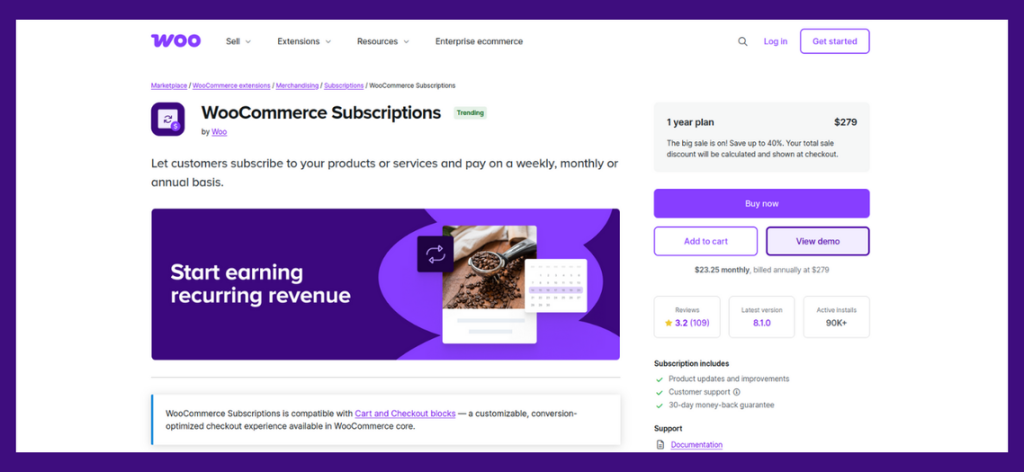
Already running a WooCommerce store? Then this is probably your answer. WooCommerce Subscriptions plugs right into WooCommerce because it’s made by the same people.
I used this on an e-commerce site that wanted to add subscription boxes. Worked perfectly because all the product management, inventory, and shipping tools were already there.
Features
- Native WooCommerce integration: Everything works together seamlessly
- Flexible billing schedules: Set up any billing frequency, weekly, monthly, yearly, whatever
- Subscription switching: Customers can upgrade or downgrade their plans easily
- Automatic renewals: Handles billing, inventory updates, everything
Pros
- Zero friction with WooCommerce since it’s designed for it
- Can mix regular products with subscription products in one store
- Handles complex scenarios like variable subscription products
- Backed by Automattic, so it’s well supported
Cons
- Requires WooCommerce, which is overkill if you just want simple memberships
- Pricey compared to subscription-only plugins
Pricing
$199/year for one site. Needs WooCommerce installed to work.
Best For
Existing WooCommerce store owners are adding subscription products to their catalog.
Top Subscription Plugins for WordPress at a Glance
Quick comparison so you can see the differences:
| Plugin Name | Key Features | Pricing | Best For |
|---|---|---|---|
| WPSubscription | Simple pricing setup, content restriction, discount codes, and detailed reporting | Free version available; Premium from $79/year | Beginners and small businesses wanting easy setup and solid value |
| MemberPress | Unlimited plans, multiple payment gateways, advanced access control, and automatic billing | From $179.50/year | Established businesses needing proven reliability and extensive integrations |
| Restrict Content Pro | Free core plugin, modular add-ons, member directory, gift subscriptions | From $99/year | Content creators focused on site performance and speed |
| Paid Memberships Pro | Native WooCommerce integration, flexible billing, subscription switching, and automatic renewals | Free core; Add ons vary; All features $297/year | Existing WooCommerce stores are adding subscription products |
| WooCommerce Subscriptions | Budget-conscious users or developers wanting maximum flexibility | $199/year (requires WooCommerce) | Existing WooCommerce stores adding subscription products |
Which Subscription Plugin Should You Choose?
Here’s my actual advice:
Starting from scratch and want something simple? WPSubscription. You’ll be up and running today, not next week.
Already running WooCommerce? WooCommerce Subscriptions, no question. Use what you already have.
Tight budget and comfortable with tech? Try Paid Memberships Pro’s free version. Upgrade later if needed.
Running a serious business with specific needs? MemberPress might be worth the investment. Mature platform, lots of integrations.
Site speed keeping you up at night? Restrict Content Pro won’t slow you down.
Honestly? Any of these subscription plugins for WordPress can work. It’s more about your specific situation than one being universally better.
Most of them have trials or refund periods. Test one out for a week. If it feels wrong, try another. You’re not married to your first choice.
The real mistake is overthinking this and never launching. Pick one, set it up, and get your first subscribers. You can always switch later if you need to. But every day you spend researching is a day you’re not making money.
Get started. Adjust as you go. Build something people want to pay for. That’s the formula.